You buy a chai at the platform, the train pulls out, and by the time you open the app there is no signal. In most finance apps that is a spinner and a shrug, and the expense never gets logged.
Hisab Journey is built the other way round. Your phone is the primary place your data lives, and the internet is how it catches up later.
Key takeaways
- Adding, editing and deleting transactions works with no connection at all.
- Accounts, categories, contacts, recurring items and the Monthly Checklist all work offline.
- Stats, Trend, Calendar and the Ledger, including CSV and PDF export, work offline.
- Receivables and debts can be read offline, but changing them needs internet.
- You never press a sync button. Changes upload by themselves when you reconnect.
What you see when you go offline
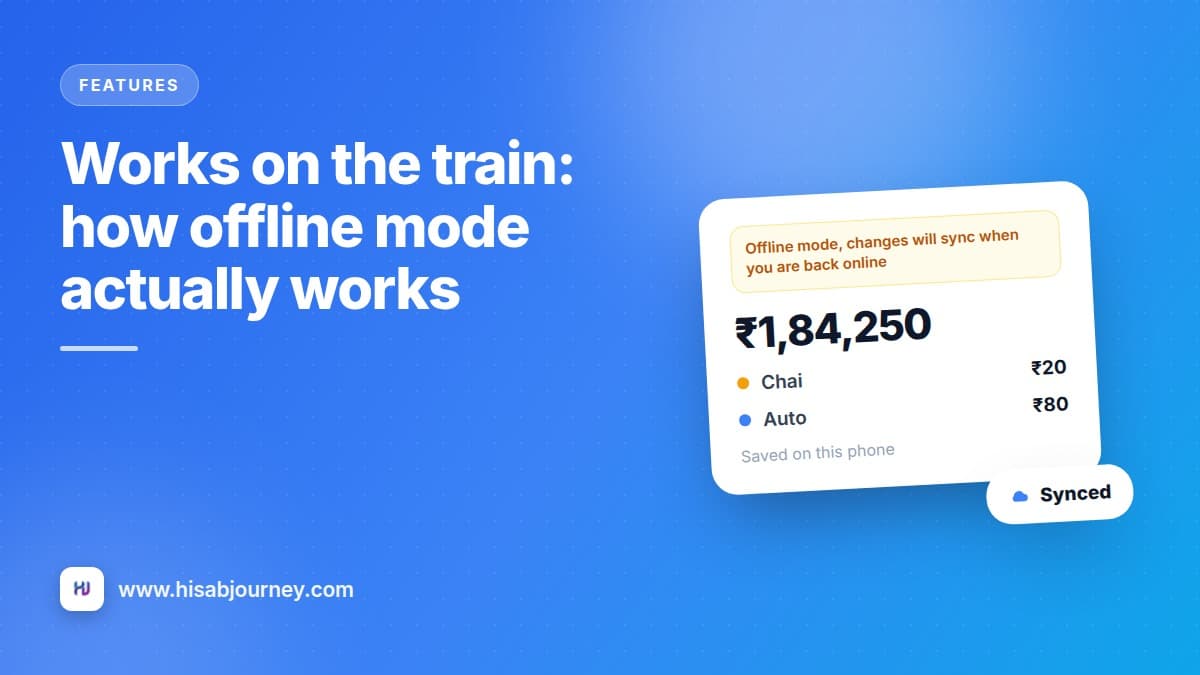
A banner appears: Offline mode, changes will sync when you are back online.
That is the entire interruption. No modal to dismiss, no retry button, no greyed out screen. The app keeps working and the banner keeps you honest about what state you are in.
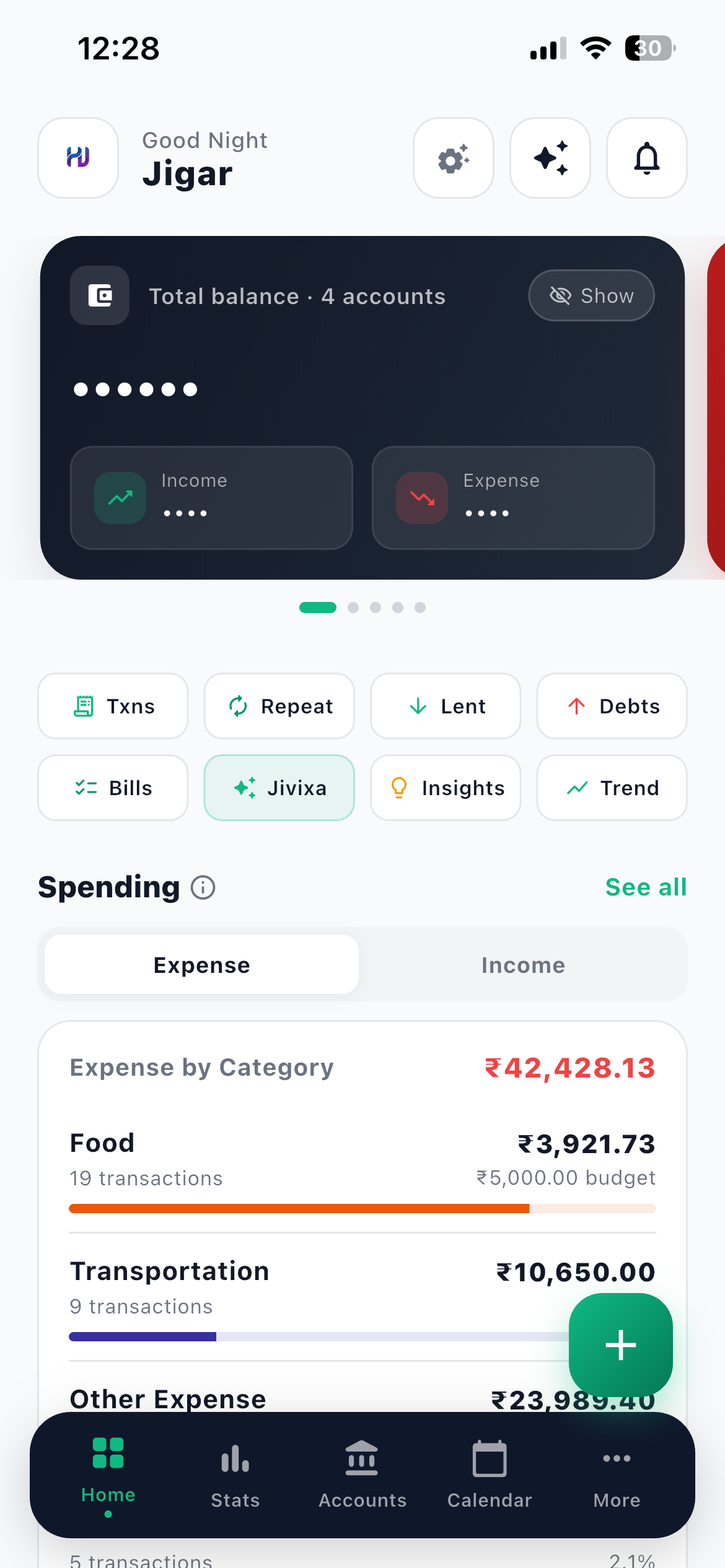
What works offline, and what does not
| Feature | Offline? | Notes |
|---|---|---|
| Dashboard and balances | Yes | Reads from your phone |
| Transactions: add, edit, delete | Yes | The core of daily use |
| Accounts: create, edit, delete, hide | Yes | Reset balance is the exception |
| Categories and budgets | Yes | Create, edit and delete |
| Contacts | Yes | Full editing |
| Recurring, including pause and resume | Yes | The toggle works too |
| Monthly Checklist, including ticking | Yes | Ticks save locally |
| Calendar, Stats, Trend | Yes | All read from your phone |
| Ledger, with CSV and PDF export | Yes | Email a statement with no signal |
| App Lock, theme, display and currency | Yes | Settings that live on the device |
| Reopening the app while signed in | Yes | No login round trip needed |
| Receivables and debts: changes | No | Viewing is fine, actions need internet |
| Reset balance on an account | No | It creates a correcting entry |
| Insights and Ask Jivixa | No | Both need a live connection |
| Notifications | No | Delivered over the network |
| Profile edits, password changes, feedback | No | Account level changes |
| Subscription and payments | No | Handled by the payment provider |
| Signing in or registering | No | Needs to reach your account |
Read that list again and notice the shape of it. Everything you do many times a day works offline. What needs a connection is the occasional stuff: account level changes, payments, and the two AI features.
Why your entry appears instantly
When you save a transaction offline, the app writes it to your phone straight away and shows it immediately. There is no waiting on a server that cannot be reached.
Your balance updates, the entry appears in Recent activity, your charts include it. As far as using the app goes, nothing is pending.
Behind the scenes, the change is queued. The moment you are back online, it uploads in the background. You do not press anything and you do not get asked.
It syncs more often than you think
The app refreshes from the server when you open it, when you pull to refresh on the home screen, and every few minutes while it is open. So even if you never think about syncing, your data is rarely more than a few minutes stale.
Where this matters in real life
The metro. Twenty minutes underground, twice a day. That is when most people have a spare moment to log the morning's spending.
Flights. Log the airport coffee and the taxi while the plane is still on the tarmac.
Basements and lifts. Parking levels and shopping centre basements are dead zones, and they are exactly where you pay for parking.
Travelling in India. Signal drops between towns. Your expense tracker should not.
A cheap prepaid pack. If you are watching your data, an app that only works online is an app you use less.
The one thing to remember
If you edit something offline on your phone and something else changes the same record elsewhere, the server's version wins when they meet, and you get a toast telling you.
In practice this almost never comes up, because most people use one phone. It is worth knowing if you also use the web app at app.hisabjourney.com. When in doubt, pull to refresh on the home screen before making a big change.
A habit that costs nothing
Pull down on the Home tab once a day. It refreshes and syncs, and it takes half a second. Do it while you are waiting for something else to load.
The widget works offline too
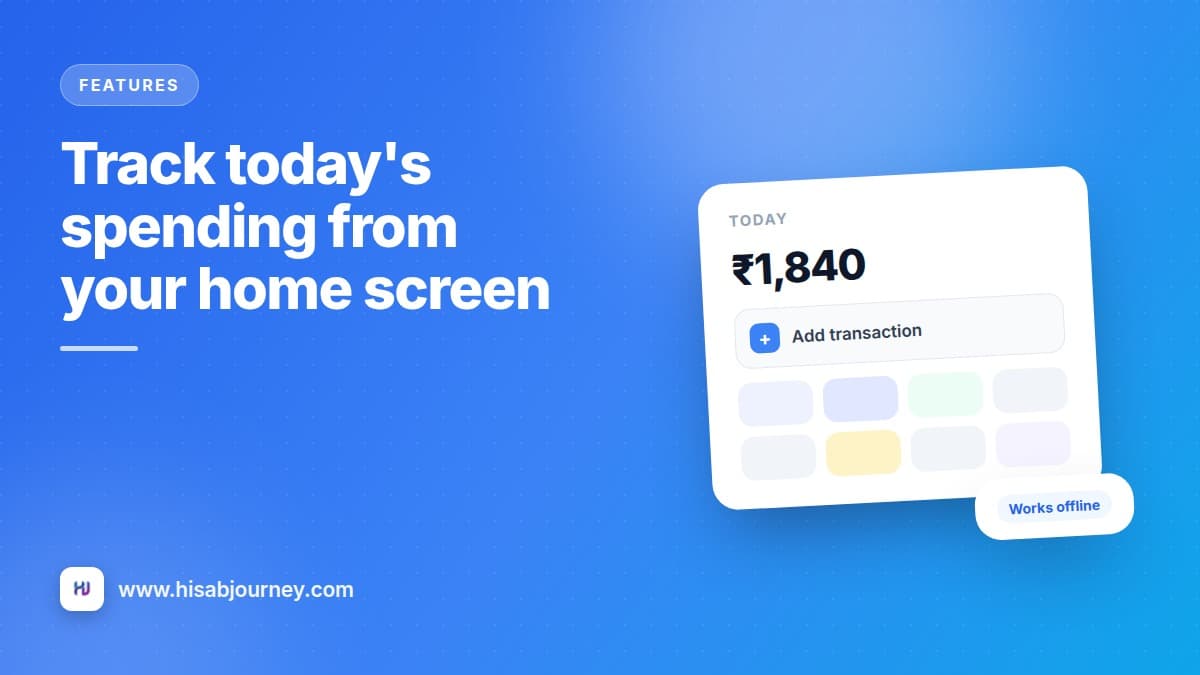
The home screen widget shows today's total spending and gives you a one-tap shortcut to add a transaction. It reads from the data on your phone, so the number is correct with no signal at all.
That makes it the fastest way to log the chai you just bought. Track today's spending from your home screen covers all three of them.
Questions about offline mode
Frequently asked questions
Do I need internet to use the app?
Not for daily tracking. Transactions, accounts, categories, contacts, recurring entries and checklist items all work completely offline, and everything syncs automatically when you reconnect.
I entered something offline. Where did it go?
It is saved on your phone and appears in your lists immediately. It uploads by itself the moment you are back online. There is nothing to press.
Do I have to press a sync button?
No. The app syncs on start, when connectivity returns, on pull to refresh, and periodically while it is open.
Can I open the app offline if I closed it?
Yes. Reopening while already signed in works offline. Only signing in or registering needs a connection.
Can I export a statement with no signal?
Yes. The Ledger reads from data on your phone, and both the CSV and PDF exports work offline.
What to do next
Test it once, so you trust it. Turn on flight mode, add a transaction, watch it appear, then turn flight mode off and pull to refresh on the home screen.
That thirty second experiment is what turns offline mode from a claim into something you rely on. If you are still setting things up, your first ten minutes covers the whole flow, and the widget makes logging even faster.