Features
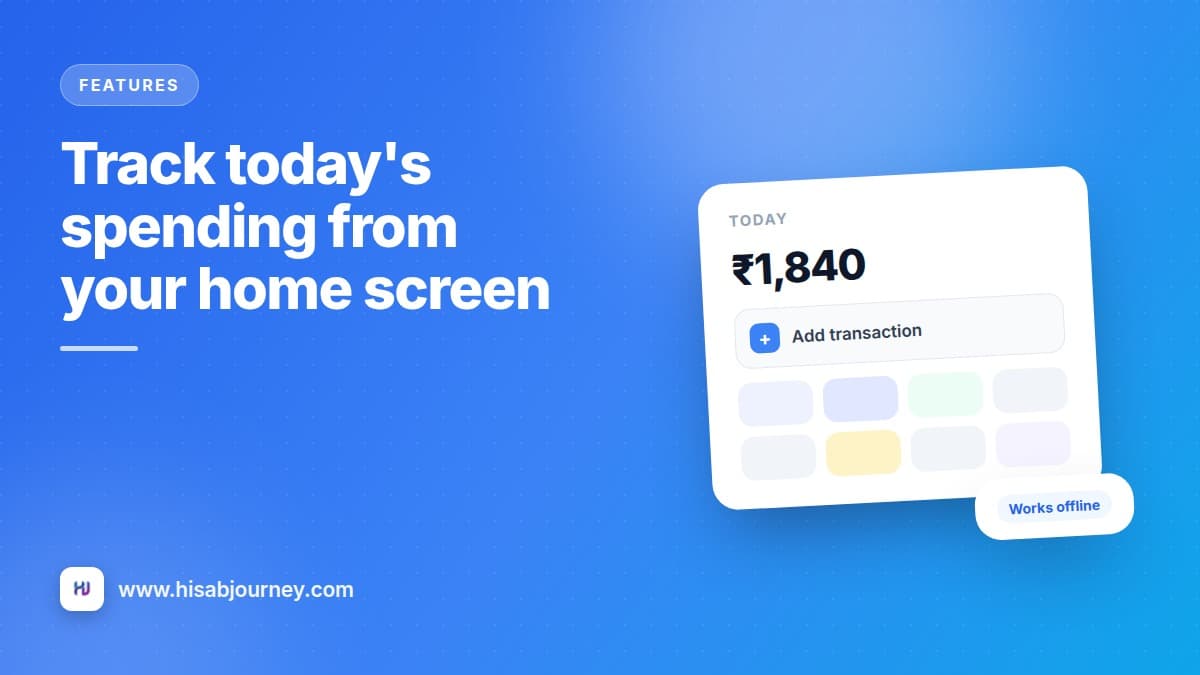
Track today's spending from your home screen
The widget shows what you spent today and adds a transaction in one tap. Three sizes, no app to open, and it keeps working with no signal at all.
5 min read
Deep dives into every part of the app, from the Monthly Checklist to offline mode.
6 posts
The widget shows what you spent today and adds a transaction in one tap. Three sizes, no app to open, and it keeps working with no signal at all.
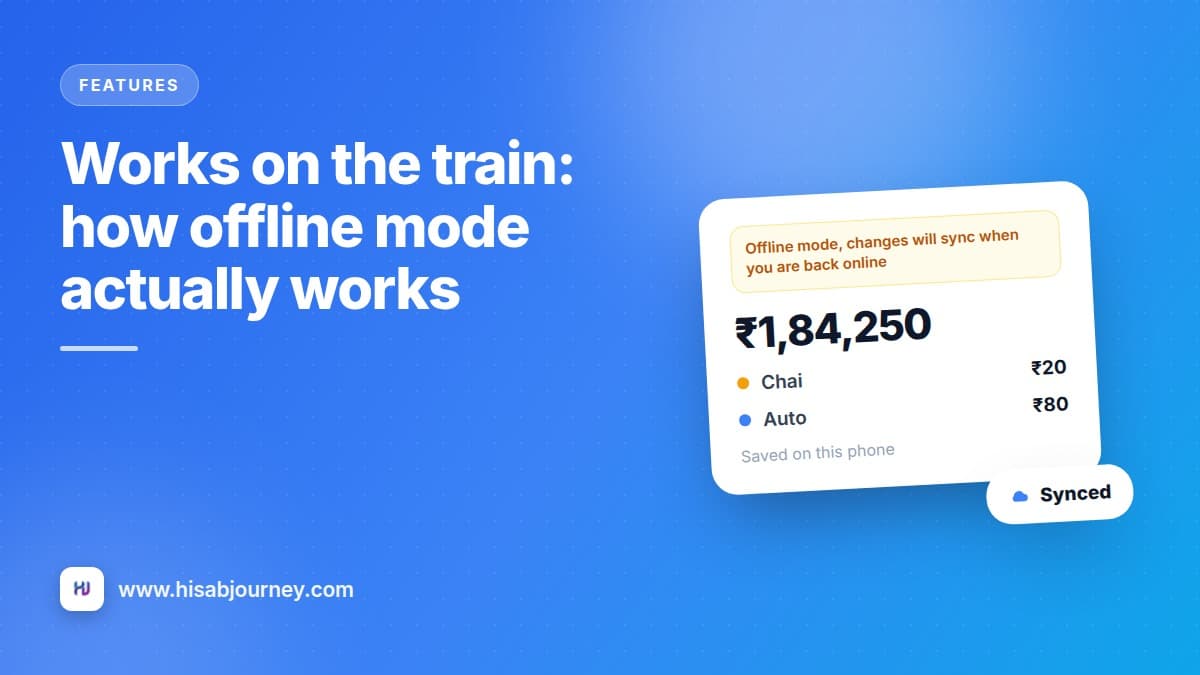
Add expenses in a tunnel, a lift or a village with no signal. Your entry saves instantly and syncs itself later. Here is exactly what works offline.
Three screens, three different questions. Where did my money go, am I getting better, and what should I change? Here is which screen answers which.
Record what you lent and what you owe, log partial payments, settle in full and send reminders on a schedule you choose. No more awkward follow-up messages.
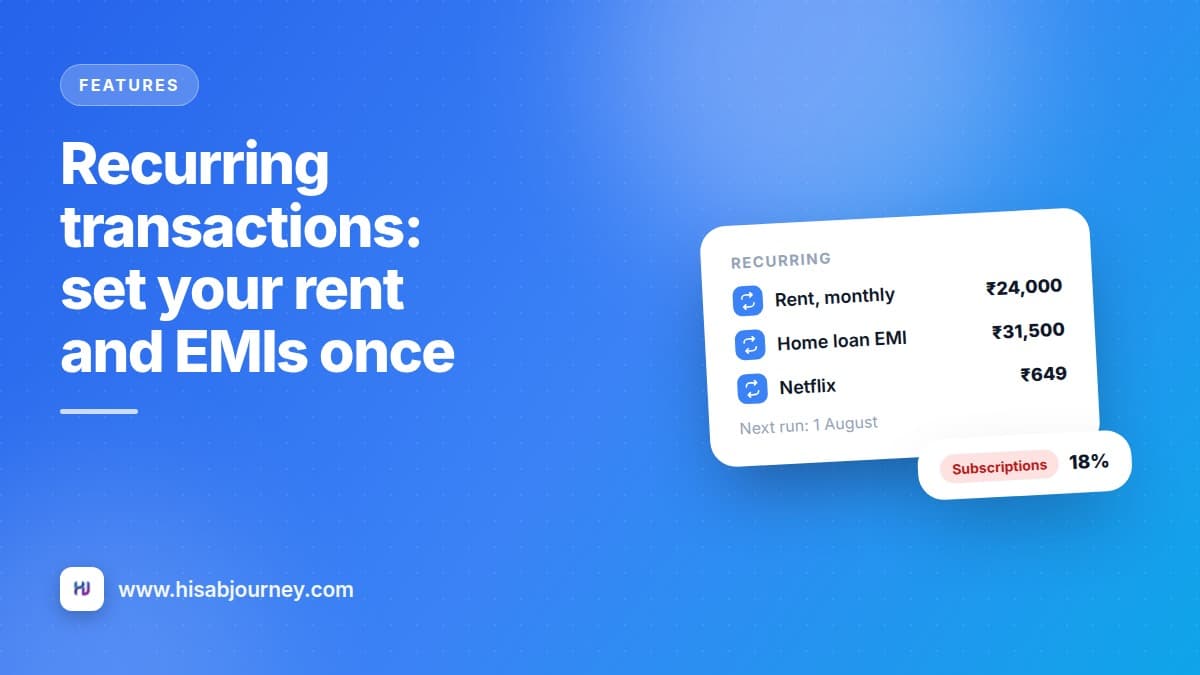
Rent, EMIs, salary and subscriptions repeat, so enter them once. Four frequencies, pause and resume, and the subscription flag that finds forgotten renewals.
Set your income, list your bills, tick them as you pay. On the 1st the ticks clear and your list is ready again. Set it up once and reuse it forever.
Install Hisab Journey, add your accounts and log one expense. That is genuinely all it takes to start seeing where your month goes.