Your salary lands in one bank. Rent goes out of that same bank, groceries come off a UPI wallet, the auto driver takes cash, and the weekend dinner sits on a credit card until the 5th.
An expense tracker only tells the truth when it knows which of those pockets each rupee came from. This post is about setting those pockets up once, properly.
What an account actually means here
In Hisab Journey, an account is any place your money sits. A bank account, a wallet, cash in hand, or a credit card. Every transaction attaches to one, and that link is what keeps your balances accurate.
If you skip this and dump everything into a single account, your total will still be right, but you will never be able to answer "how much did I spend on the card this month" or "why is there less cash in my wallet than I thought".
The five account types
| Type | Use it for | Real examples |
|---|---|---|
| Bank | Savings and current accounts | HDFC Bank, SBI salary account |
| Wallet | UPI and wallet balances | Paytm, PhonePe, GPay balance |
| Cash | Physical cash in hand | Cash, purse, emergency 500s |
| Card | Credit cards | ICICI Credit Card, Amazon Pay ICICI |
| Other | Anything else | Fixed deposits, lockers, other apps |
Most people are covered by four accounts. One Bank account per bank you actually use, one Cash account, one Wallet for your UPI balance, and one Card per credit card. Start with what you spend from daily and add the rest later.
Do not skip the Cash account
Cash is the money that vanishes without a trace. Chai, autos, the vegetable vendor, a hundred here and two hundred there. If you have no Cash account, all of that ends up unrecorded, and unrecorded money is exactly the money you cannot control.
Adding an account, field by field
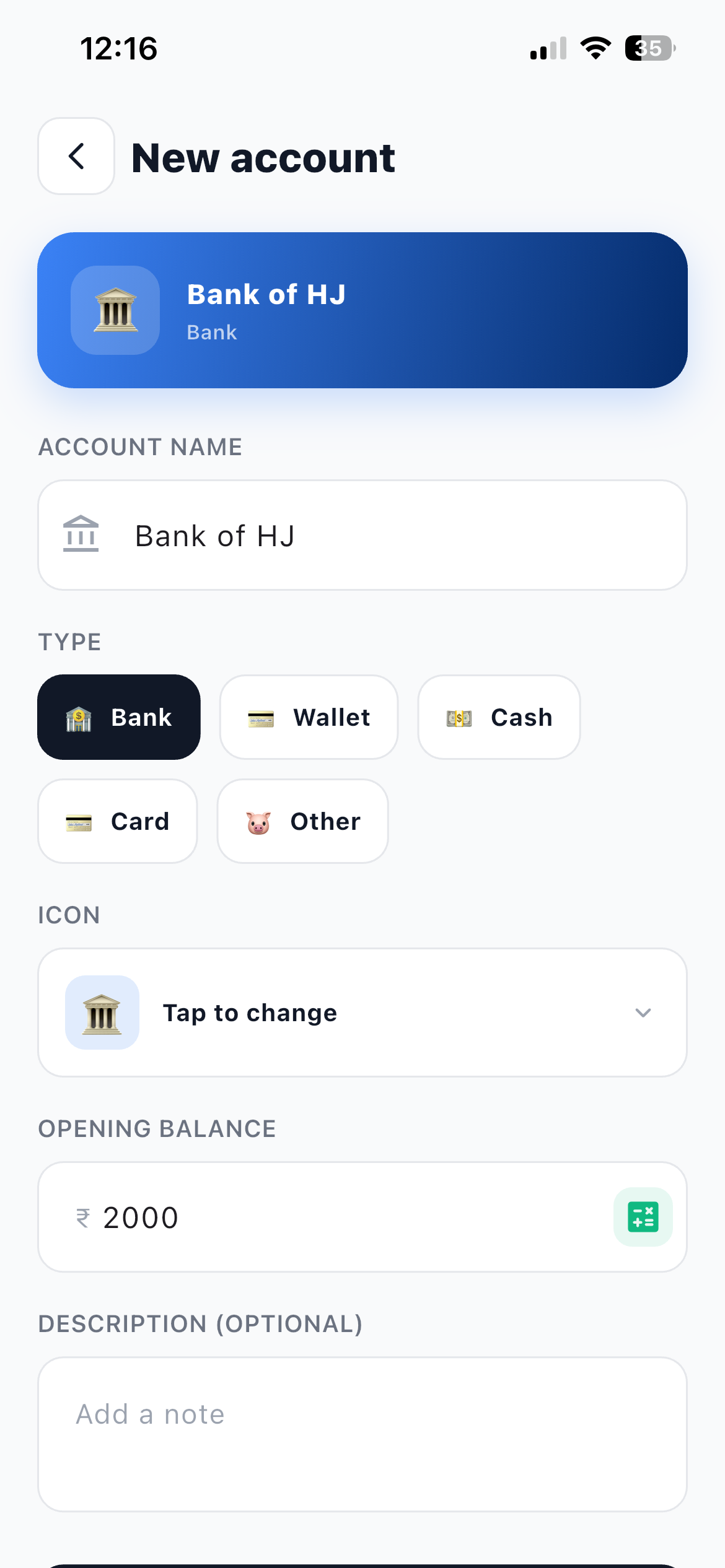
- Open Accounts and tap + Tap the Accounts tab at the bottom of the screen, then the + button.
- ACCOUNT NAME Required. Use the name you actually say out loud: HDFC Bank, Cash, Paytm, ICICI Credit Card. The card at the top of the form previews how it will look in your list.
- TYPE Pick Bank, Wallet, Cash, Card or Other from the row of chips.
- ICON Tap Tap to change and pick one. This is not decoration. In a list of six accounts, the icon is how you find the right one in half a second.
- OPENING BALANCE Enter today's real balance, or 0 if you want to start from a clean slate and only track from now on. The calculator button is there if you need to add a few figures together.
- DESCRIPTION (OPTIONAL), then save A good place for the last four digits or the branch. Save the account when you are done.
Credit cards need one rule
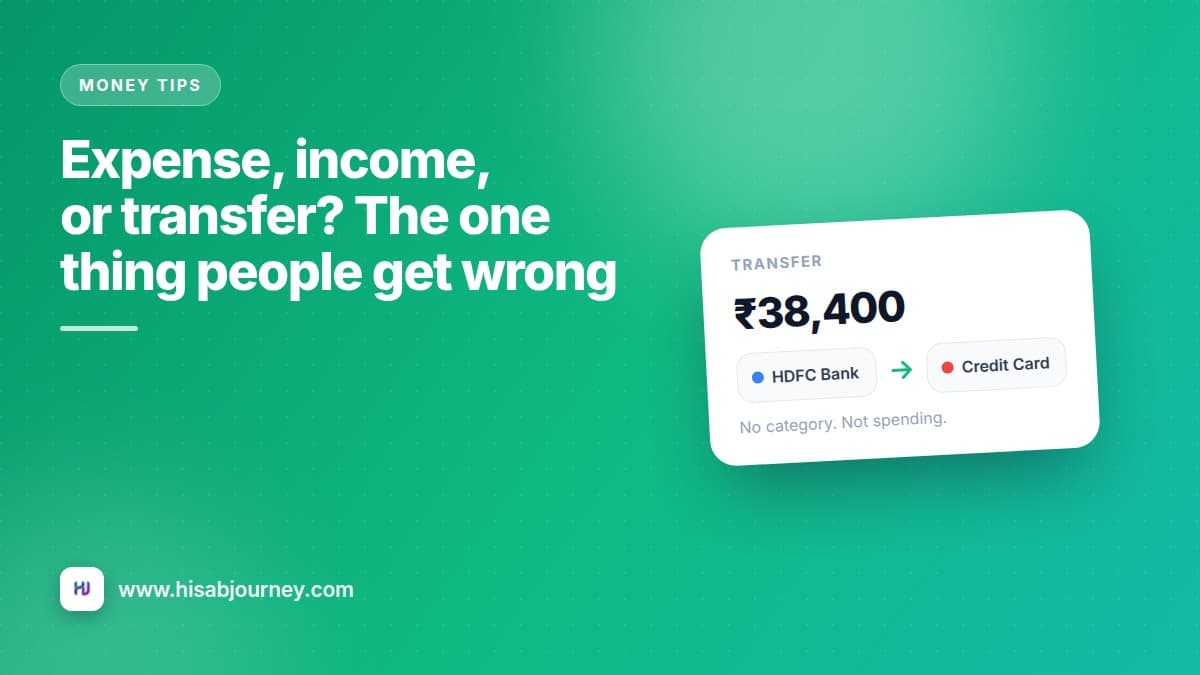
A credit card is an account, not a category. The purchases you make on it are the expenses. Paying the bill later is a Transfer from your bank account to your card account, because that money moves, it is not spent twice.
Get this wrong and your reports will show a ₹42,000 spending spike in the month you paid the bill, on top of the actual purchases. Expense, income, or transfer covers the whole family of these cases, including ATM withdrawals and wallet top-ups.
Hide beats delete
You will end up with an account you barely use. An old salary account, a wallet you stopped topping up, the card you cleared and put away.
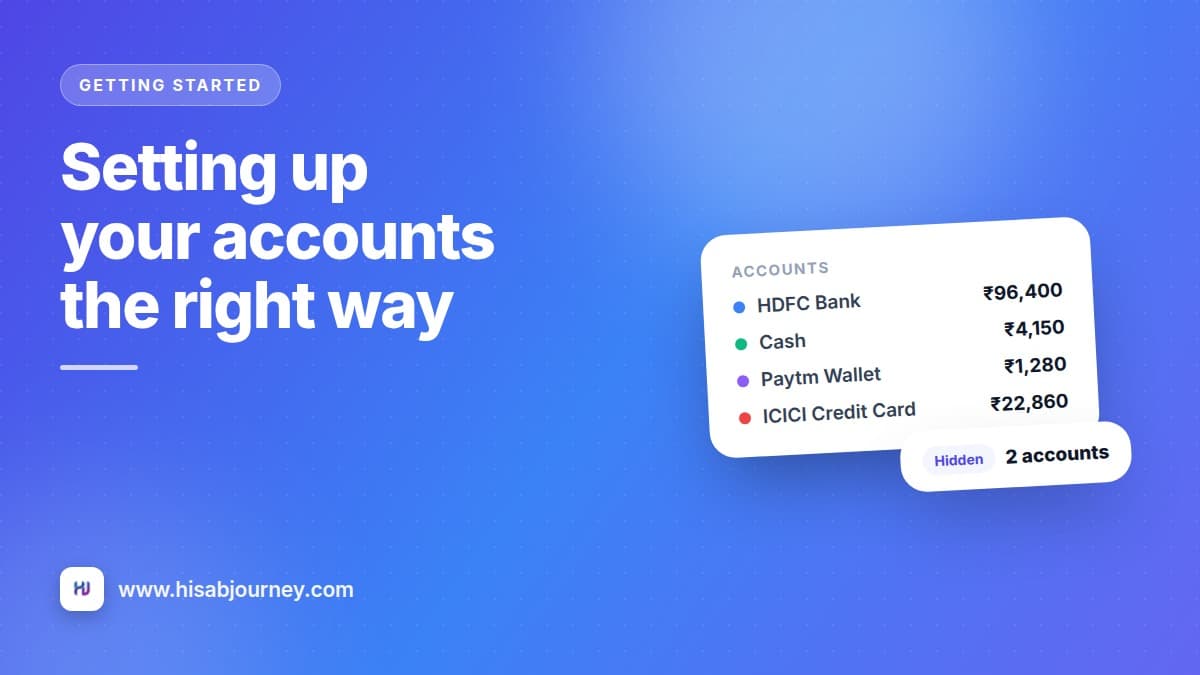
Deleting it removes the account. Hiding it keeps every transaction that ever touched it, but takes it out of pickers and lists so it stops cluttering your day. Use the visible and hidden sections on the Accounts screen.
Hidden accounts are also left out of the transaction filter sheet on purpose, so you cannot accidentally filter by something you have put away and then wonder where your transactions went.
Delete is permanent
Deleting an account asks you to confirm, and that confirmation is the last stop. If there is any chance you will want the history for a tax question or an old dispute, hide it instead.
When the balance drifts from your bank
It happens. You paid for something on the 3rd and never logged it, or a bank charge came out quietly.
Open the account and tap Reset Account Balance. The dialog shows your Current Balance in the app, the Adjustment it will make, and the New Balance. Type in the real figure from your bank and tap Reset Balance. The app creates a correcting entry so the two agree again.
This is the one account action that needs an internet connection, because that correcting entry is created on the server. Everything else on this screen, creating, editing, hiding and deleting accounts, works offline and syncs later.
Hide balances in public
Tap the eye chip on the Accounts screen to blur every amount at once. Useful in a metro, a cab, or an open-plan office.
Keeping accounts honest month after month
Two small habits are enough.
First, once a month, compare each account in the app with the real balance and use Reset Account Balance if they differ. Five minutes, usually on the 1st.
Second, when you want the formal version, open the Ledger and pull a statement for a single account and date range. You get an opening balance, every credit and debit, and a closing balance you can tick off against your bank. Export a proper statement walks through it, including the PDF and CSV export.
Questions about accounts
Frequently asked questions
Should I create an account for every bank I have?
Only for the ones you actually use. An account you never spend from adds clutter to every picker. You can always add it later, and the balance you enter then becomes its starting point.
What do I put in Opening balance if I do not know today's figure?
Enter 0 and carry on. Once you know the real number, open the account and use Reset Account Balance to correct it in one step.
Where do fixed deposits and investments go?
Use the Other type. It exists for anything that is not a bank account, wallet, cash or card, including FDs and lockers.
Can I edit an account after creating it?
Yes. Tap the account, change what you need, and tap Save. Name, type, icon, opening balance and description are all editable.
Does hiding an account remove its transactions from my reports?
No. Hiding only takes the account out of pickers and lists. The history stays exactly where it is.
What to do next
Open the app and add the accounts you spend from this week. Nothing more. Then log one expense against each so you can see the balances move.
When that feels natural, spend twenty minutes on categories and budgets, which is what turns a list of transactions into a chart worth reading. And if you are just getting going, your first ten minutes covers the whole setup in order.